AirTag Precision Finding for Dogs: Finding Them in Yards, Dunes and Bush
Share
Quick answer: Precision Finding (called Find Nearby in the Find My app) uses Ultra Wideband to point you to your dog's AirTag with an arrow and a distance once you're close. It's best for a dog that's nearby but out of sight — under a house, in scrub, in long grass or in the dunes. It needs an iPhone with an Ultra Wideband chip. With the second-generation AirTag, Apple says Precision Finding works from up to 50% farther away on iPhone 15 or later (excluding iPhone 16e) and iPhone Air, and now also works on Apple Watch Series 9 or later and Ultra 2 or later.
What is Precision Finding, and when does it help with a dog?
Find My shows you your dog's last detected location on a map. That gets you to the area. Precision Finding takes over for the last stretch, guiding you with on-screen directions, distance, sound and haptics. It's most useful when:
- Your dog is hiding nearby after a fright (storms, fireworks)
- Your dog is in thick scrub or long grass at the park
- An older dog has wandered into a neighbour's yard or under a deck
- You're at a busy beach and can see the map pin but not your dog
It won't track a dog that's far away. For that, you rely on the Find My network and the map. See how far an AirTag can track your dog.
How do I use Precision Finding?
- Open Find My and tap Items.
- Tap your dog's AirTag.
- Tap Find (or Find Nearby). If you're too far away, move towards the last location shown on the map until it connects.
- Follow the arrow and distance. Move slowly; the arrow updates as you walk.
- Tap Play Sound when you're close. Apple says the second-generation AirTag's speaker is 50% louder.
On Apple Watch (Series 9 or later, or Ultra 2 or later, with watchOS 26.2.1), you can use Precision Finding from your wrist with a second-generation AirTag — handy when you're holding a lead or a torch.
Which iPhones and Apple Watches work?
| Device | Original AirTag | AirTag (2nd gen) |
|---|---|---|
| iPhone 15 or later (not 16e), iPhone Air | Precision Finding | Precision Finding with up to 50% more range |
| iPhone 11–14 (Ultra Wideband models) | Precision Finding | Precision Finding at original range |
| iPhone SE, iPhone 16e | No Precision Finding (no Ultra Wideband) | No Precision Finding |
| Apple Watch Series 9+ / Ultra 2+ | No | Precision Finding |
If your iPhone can't use Precision Finding, you can still play a sound and use the map. Compatibility details are from Apple's announcement and footnotes; check Apple's AirTag page for your exact model.
Tips for finding a hiding dog
- Move slowly and stop often. Your dog may be moving too.
- Stay calm and quiet. A frightened dog may hide deeper if you're shouting.
- Expect obstacles to affect range. Walls, dense scrub and bodies between you and the AirTag can reduce how far it works.
- Use sound last. Play the AirTag's sound when you're close, then listen.
- Bring help. Someone with a lead and treats can stay by the spot while you search.
Does the holder affect Precision Finding?
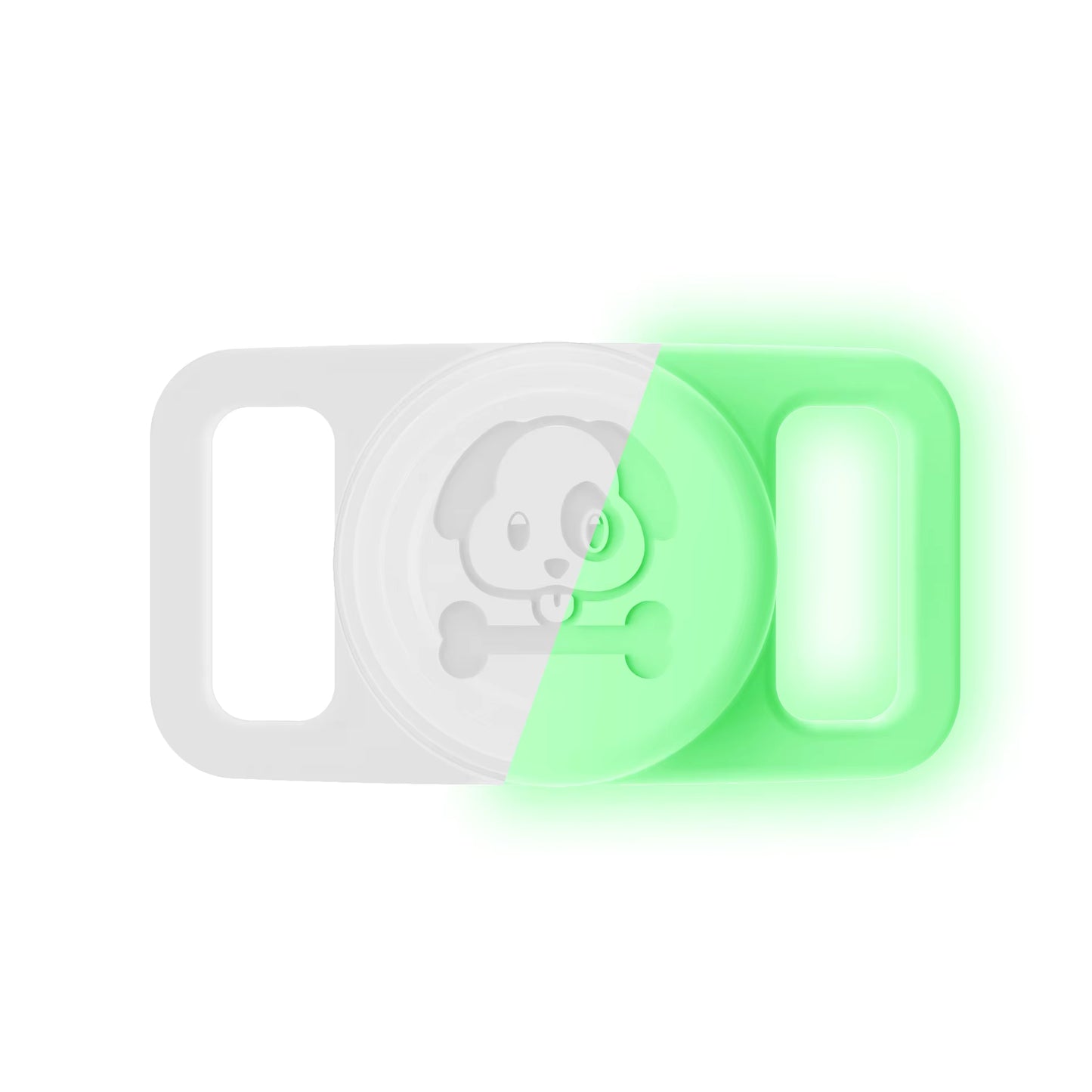
Silicone doesn't block Bluetooth or Ultra Wideband in the way metal can. The Pawfetchers holder is sealed silicone, and our product page notes Bluetooth and Precision Finding work through it. It fits every AirTag model, including the second generation, which is the same size as the original.
FAQs
Is Precision Finding the same as live GPS?
No. It's short-range guidance to a nearby AirTag. AirTag has no GPS.
Should I upgrade to AirTag 2 for my dog?
If you have an iPhone 15 or later or an Apple Watch Series 9/Ultra 2 or later, the longer Precision Finding range and Apple Watch support are useful. Otherwise, an original AirTag still works with Find My and Lost Mode.
Does Precision Finding work at night?
Yes, it doesn't need light. It's useful for finding a dog hiding in the dark after fireworks.
Keep your dog's AirTag — original or AirTag 2 — secure on the collar with the Pawfetchers waterproof holder, rated to 1 metre for 30 minutes. AirTag sold separately.