Tracking a Dog Without an iPhone: Samsung SmartTag, Tile and Android Options Compared
Share
Quick answer: if you're an Android user, an Apple AirTag is the wrong choice — you need an iPhone (or other Apple device) to set it up and see its location in Find My. Samsung SmartTag (for Samsung Galaxy users) and Tile (works on both Android and iOS) are the realistic equivalents. Each works the same basic way as an AirTag — relying on nearby phones in a network to relay location — just through a different company's network and app.
Why AirTag doesn't work for Android households
An AirTag is set up and tracked through Apple's Find My app, so you need an Apple device to see where it is. Android phones can do two limited things with an AirTag: tap it with NFC to read the contact details its owner added in Lost Mode, and scan for an unknown AirTag travelling with them as an anti-stalking safety check. Neither lets an Android owner track their own dog. Android phones also aren't part of the Find My network that relays AirTag locations.
Samsung SmartTag (Galaxy users)
Samsung's SmartTag2 works on the same principle as an AirTag, but through Samsung's SmartThings Find network — nearby Galaxy devices with the feature enabled detect the tag and relay its location. It's a comparable option if you use a Samsung Galaxy phone.
The trade-off: performance depends on how many Galaxy devices are nearby where your dog spends time — the same density issue AirTag has with iPhones, on a different device base.
Tile (cross-platform)
Tile has its own Bluetooth tracker network, and its app works on both Android and iOS. Its network depends on people running the Tile app, so it's generally smaller than networks built into phone operating systems.
Tile suits mixed Android/iOS households or people who want one system regardless of future phone changes. The trade-off is a smaller detection network.
A straight comparison
| Option | Best for | Network size (relative) | Ongoing cost |
|---|---|---|---|
| Apple AirTag | iPhone owners | Very large (iPhone base) | None |
| Samsung SmartTag2 | Samsung Galaxy owners | Large (Galaxy base) | None |
| Tile | Mixed Android/iOS households | Smaller (needs the Tile app) | None for basic; subscription for premium features |
| Cellular GPS tracker | Anyone, any phone | N/A — uses the mobile network | Subscription |
None of the Bluetooth options (AirTag, SmartTag, Tile) give live GPS tracking — all depend on nearby devices to relay a location. For live tracking regardless of phone brand, a cellular GPS tracker is the option, covered in our AirTag vs GPS tracker comparison.
How to choose
- You use an iPhone: AirTag, thanks to network size.
- You use a Samsung Galaxy: SmartTag2 is the direct equivalent.
- Mixed household, or you want one system across phone brands: Tile, with a smaller network.
- You need live tracking or walk in remote areas: a cellular GPS tracker.
A note on holders and compatibility
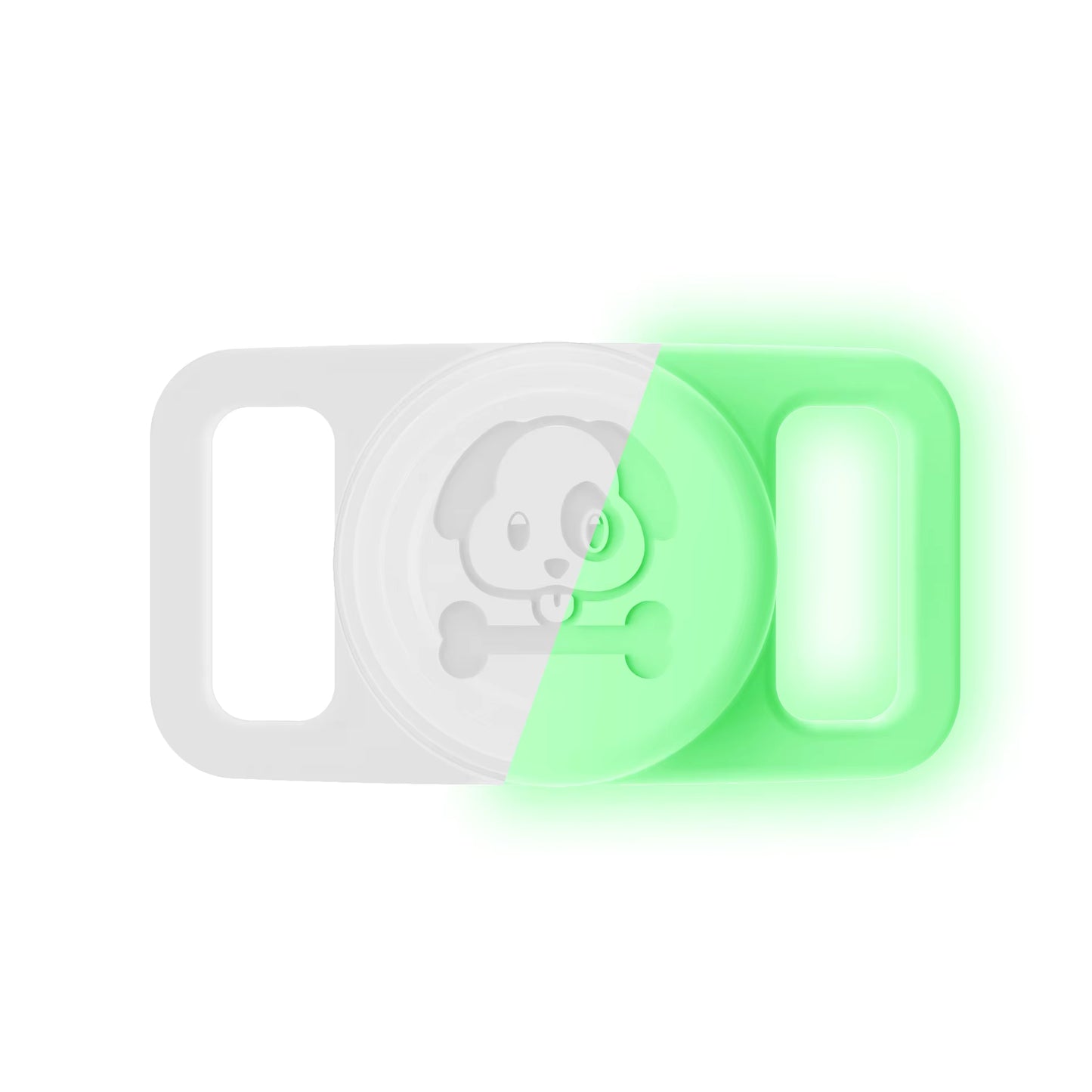
Whichever tracker you choose, a secure, waterproof holder matters as much as the tracker itself. Trackers vary in shape and size, so check a holder is made for your specific device. The Pawfetchers holder fits Apple AirTag and similar coin-style trackers; it isn't made for square or larger tags. More in our AirTag holder buyer's guide.
FAQs
Can an Android phone track an AirTag? No. An Android phone can read a lost AirTag's contact details by tapping it (NFC) and can scan for unknown AirTags nearby, but it can't track an AirTag you own.
Is Samsung SmartTag as reliable as an AirTag? It works on the same principle, but performance depends on how many Galaxy devices are nearby where your dog spends time.
Does Tile require a subscription? Basic finding is generally free; some premium features may need a subscription — check Tile's current plans.
What's best if my household has both iPhone and Android users? Tile works on both platforms, with the trade-off of a smaller network.
If your household uses iPhones, see the Pawfetchers waterproof AirTag holder (AirTag sold separately).