AirTag Location Not Updating on Your Dog? Causes and Fixes
Share
Quick answer: an AirTag only updates its location when an Apple device with Find My is close enough to detect it. If your dog's AirTag shows an old location, the most common reason is simply that no iPhone has been near your dog since that time. If it never updates, check that Find My and Location Services are on, the AirTag's battery isn't low, and the AirTag still appears in your Find My app. The steps below go through each one.
How often does an AirTag update its location?
There's no fixed schedule. An AirTag has no GPS or SIM. It sends out a Bluetooth signal, and when a nearby Apple device in the Find My network detects it, that device securely reports its location. The time under the AirTag in Find My shows when it was last detected.
- Busy suburb, park or beach: lots of iPhones pass by, so updates can be frequent.
- Quiet street at night or a bush track: few people, so the last location may be hours old.
- With you at home: your own iPhone reports it, so it should look current.
This is how AirTag is designed, not a fault. Read more in how Apple's Find My network works and how far an AirTag can track your dog.
Step 1: Check whether it's the area, not the AirTag
Ask yourself where your dog was last detected. If it was a quiet spot with few people, the AirTag may be working fine with nobody nearby to pick it up. Go to the last location, then use Find My on your iPhone to play a sound or use Find Nearby once you're close.
Step 2: Check Find My settings on your iPhone
- Open Settings, tap your name, then Find My.
- Tap Find My iPhone and make sure Find My network is on.
- Go to Settings → Privacy & Security → Location Services and make sure Location Services is on.
- Scroll to Find My and allow location access, with Precise Location on.
- Make sure Bluetooth is on and your iPhone has a data or Wi-Fi connection.
Menu names can change slightly between iOS versions. Apple's support pages have the current steps.
Step 3: Check the AirTag's battery
A flat CR2032 battery is a common reason an AirTag stops updating. Apple says AirTag batteries last more than a year with normal use, and your iPhone shows a low-battery alert in Find My. Open Find My, tap Items, then your dog's AirTag, and look for a low-battery message. Our AirTag battery guide shows how to swap it.
Tip: some CR2032 batteries have a bitter coating that can stop them working in AirTags. Apple's battery instructions explain this.
Step 4: Restart and update
- Restart your iPhone.
- Update iOS to the latest version.
- Open Find My with your dog's AirTag nearby; AirTag firmware updates install automatically when it's near your iPhone.
Step 5: If your dog is missing, turn on Lost Mode
If your dog is actually missing, don't spend long troubleshooting. Turn on Lost Mode so you're notified when the AirTag is detected, and start searching from the last location. Our step-by-step guide to AirTag Lost Mode for a missing dog covers it, and what to do in the first 24 hours covers everything else.
Step 6: Last resort — remove and re-add the AirTag
If the AirTag is with you, still not showing, and the battery is fine, you can remove it from Find My and set it up again. Only do this when you have the AirTag in your hand, because a removed AirTag can't be located until it's added back.
Is the holder blocking the signal?
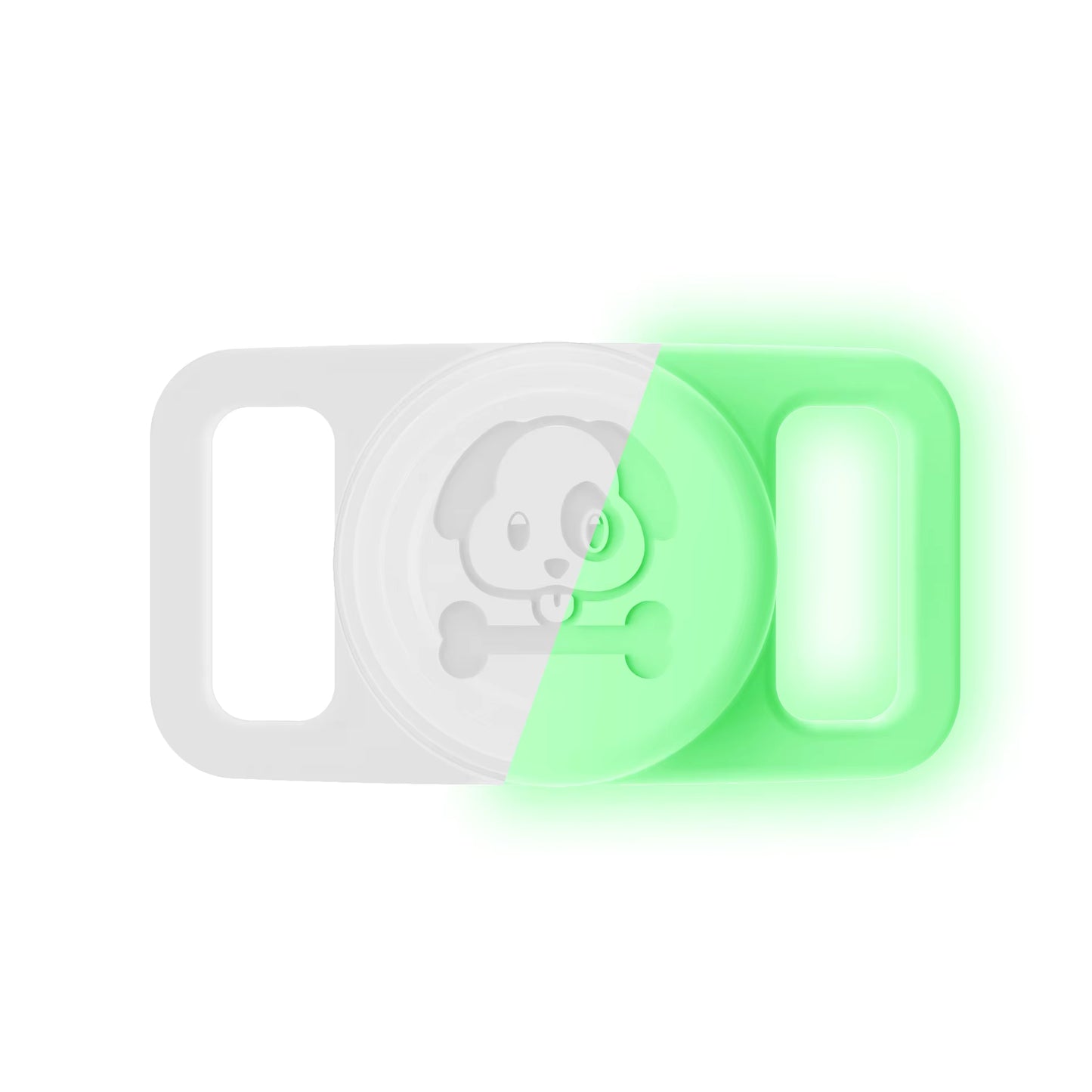
A silicone holder shouldn't block AirTag's Bluetooth. The Pawfetchers holder is sealed silicone, and the product page notes Bluetooth and Precision Finding work through it. If you're unsure about any holder, test it at home: leave your iPhone in another room and use Find My to play a sound on the AirTag while it's in the holder.
FAQs
Why does my dog's AirTag say "No location found"?
Find My hasn't received a location for it. Check the battery and your Find My settings, then try again near the AirTag.
Can I force an AirTag to update?
Not remotely. It updates when an Apple device detects it. If you're close, open Find My to play a sound or use Find Nearby.
Does my dog walker's iPhone update the location?
Any nearby Apple device in the Find My network can. If you share the AirTag with your walker, they can also see it. See how to share your dog's AirTag.
Is an AirTag live GPS?
No. For live tracking everywhere with mobile coverage, you need a cellular GPS tracker. See AirTag vs GPS for dogs.
Keep your dog's AirTag secure and dry with the Pawfetchers waterproof AirTag holder — fits flat collars 15–25mm wide, 14 colours. AirTag sold separately.