How to Share Your Dog's AirTag With Family (So Everyone Can See Where They Are)
Share
Quick answer: You can share your dog's AirTag with up to five other people using the Find My app. Open Find My, tap Items, choose the AirTag, then tap Add Person under Share This AirTag and pick a contact. Once they accept, they can see where your dog is, play a sound and use Precision Finding, and they won't get "AirTag found moving with you" alerts.
Dogs are family, so it makes sense that more than one person wants to know where they are. Maybe your partner does the morning walk, your daughter minds the dog on weekends, or a neighbour helps out when you travel. Item sharing lets everyone see the same AirTag without passing a phone around.
Can more than one person track the same AirTag?
Yes. Apple introduced AirTag sharing with iOS 17. The owner can invite up to five other people into a sharing group, and each person can see the item's location in their own Find My app.
As the owner, you decide who is in the group and can remove people at any time. Everyone else can see and help find the AirTag.
What do I need before I can share my dog's AirTag?
- Up-to-date software. Sharing arrived with iOS 17, so keep your iPhone, and the iPhones of the people you share with, on the latest iOS. If you have the newer AirTag (2nd generation), Apple says it needs iOS 26.2.1 or later.
- An Apple Account for each person. Apple says you can only share an AirTag with someone who has an Apple Account.
- Adults or older family members. Apple says you can't share an AirTag with a child account.
Because sharing happens inside Apple's Find My app, family members with Android phones can't join. Our guide on tracking a dog without an iPhone covers options for them.
How do I share my dog's AirTag with family?
- Open the Find My app on your iPhone.
- Tap Items.
- Tap your dog's AirTag.
- Find the Share This AirTag section and tap Add Person.
- Tap Continue, then choose a contact or type their name, email or phone number.
- Send the invitation. You'll see each invited person and whether they have accepted.
The person you invite gets a notification and can choose to add the item or decline it. Once they accept, your dog's AirTag appears in their Items list under your name.
What can family members see once the AirTag is shared?
Apple says people in the sharing group can:
- See the AirTag's location on the map.
- Play a sound on the AirTag, handy if the dog is hiding in the garden.
- Use Precision Finding on a compatible iPhone to be guided right to it.
They also stop receiving unwanted tracking alerts for that AirTag while it's with them. This is the main reason to share with anyone who walks or minds your dog. We explain the alerts in our post on whether AirTags are safe for dogs.
Keep in mind that an AirTag is not a GPS tracker. Everyone in the group sees the same "last seen" location, which updates when Apple devices pass nearby.
Who should I share my dog's AirTag with?
Think about who regularly has your dog with them, away from you:
- A partner or adult child who walks the dog.
- A neighbour or friend who minds the dog while you are away.
- A regular dog walker or pet sitter, if they use an iPhone.
With five spots available, most households have plenty of room. If you have more than one dog, each AirTag is shared separately.
How do I remove someone from my dog's AirTag?
If a sitter finishes up or you simply want to tidy the list, you can remove them at any time.
- Open Find My and tap Items.
- Tap your dog's AirTag.
- Under Share This AirTag, tap the person's name.
- Tap Stop Sharing and confirm.
Apple notes that the person loses access to the AirTag's location. If the AirTag is still with them, for example on a dog they are minding, their tracking notifications will start again.
People in the group can also remove themselves from their own Find My app. Apple suggests checking the AirTag isn't near you before you leave the group.
You can also review everyone you share with in one place on iPhone using Safety Check, found in Settings, then Privacy & Security.
Tips for families sharing one dog's AirTag
- Agree on who acts first. If the dog goes missing, decide who turns on Lost Mode so you don't double up.
- Check the battery together. Our AirTag battery guide shows how to replace it.
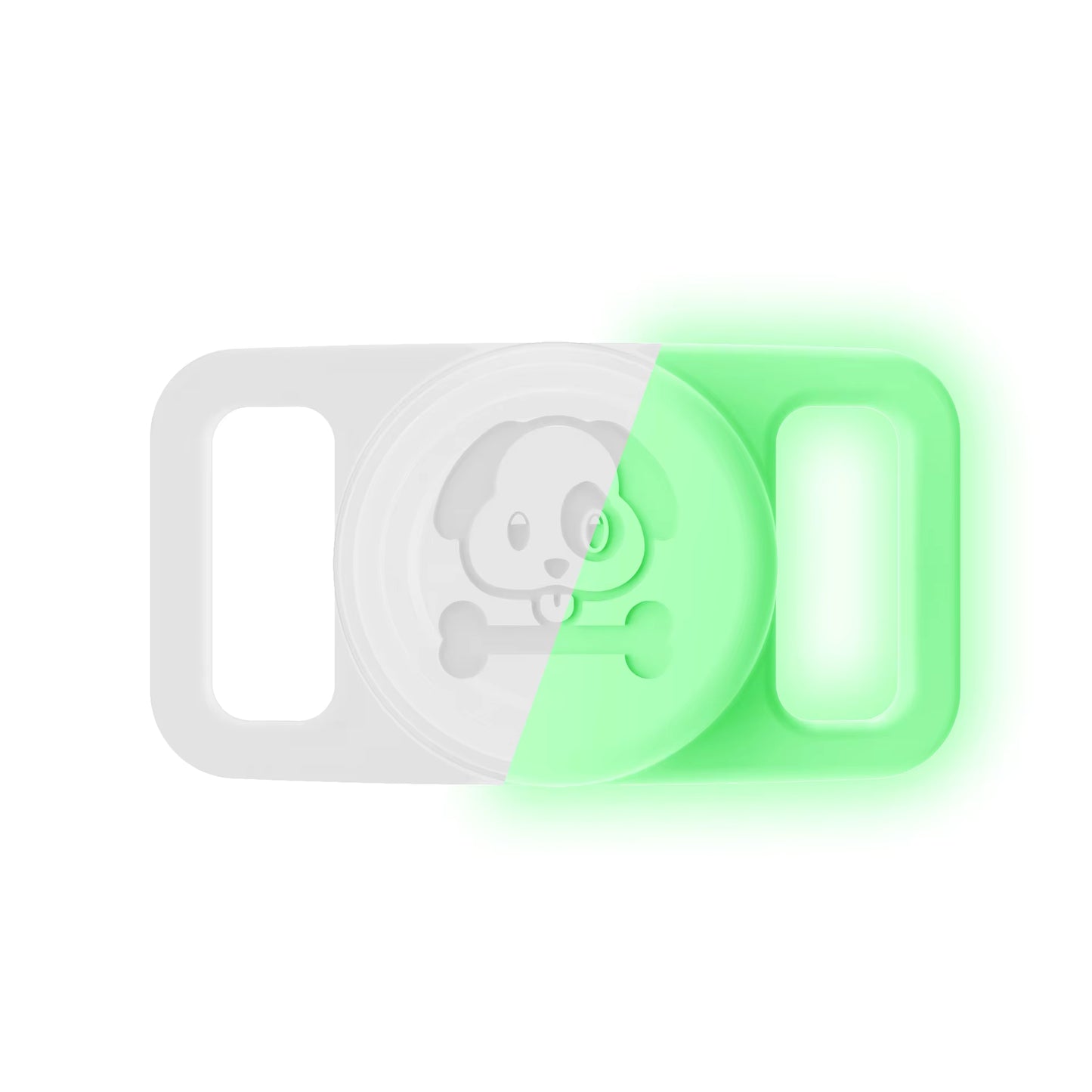
- Keep the AirTag secure. The Pawfetchers holder is a waterproof silicone case that fits collars 15 to 25mm wide.
FAQs
How many people can I share an AirTag with?
Up to five other people, according to Apple. Each person needs their own Apple Account.
Do I need Family Sharing to share an AirTag?
No. AirTag sharing is separate. You invite people directly from the Find My app using their contact details.
Can someone with an Android phone see my shared AirTag?
No. Item sharing works within Apple's Find My app, so the person needs an Apple Account and a compatible Apple device.
Will the people I share with get alerts about my dog's AirTag?
No. Apple says people in the sharing group don't receive tracking notifications when the AirTag is moving with them.
Can I share my dog's AirTag with a dog walker?
Yes, as long as they have an Apple Account and an iPhone. It's a good idea, because it stops them getting "AirTag found moving with you" alerts on walks. Remove them when they no longer walk your dog.
Looking for a safe way to attach an AirTag to your dog's collar? Have a look at the Pawfetchers AirTag holder, available in 14 colours (AirTag sold separately).
Sources
- Apple Newsroom: Apple previews new features coming to Apple services this fall (2023)
- Apple Support: Share an AirTag or other item in Find My on Mac
- Apple Support: Share an AirTag or other item in Find My on iPhone
- Apple Personal Safety User Guide: Stop sharing an AirTag
- Apple Support: Use AirTag and Find My to keep track of your personal items
- Apple: AirTag