Why Your Dog Walker Gets 'AirTag Found Moving With You' Alerts (and How to Stop Them)
Share
Quick answer: Your dog walker gets "AirTag Found Moving With You" alerts because Apple's anti-stalking feature notices an AirTag that's away from its owner travelling with their phone. It isn't a fault. The fix is to share your dog's AirTag with them in the Find My app, which Apple says stops tracking notifications for people in the sharing group. Android users can't be added, so let them know the alert may appear and how to check the AirTag is yours.
You clipped an AirTag to your dog's collar for peace of mind. Then your dog walker, pet sitter or neighbour messages you, a little worried: "My phone says an AirTag is following me." Here is why it happens, and how to stop it without switching off your dog's tracker.
Why does my dog walker get an "AirTag Found Moving With You" alert?
Apple built AirTags with protections against unwanted tracking. If an AirTag that's separated from its owner is "seen moving with you over time", the person's iPhone shows an alert.
When you hand over the lead, that is exactly what the phone sees. Your AirTag is away from your iPhone and moving along with the walker's phone. Apple's system can't tell the difference between a dog walk and someone being tracked, so it warns them to be safe.
Apple says these alerts "only get triggered when an AirTag is separated from its owner". That is why you never see one when you walk the dog yourself.
What does the alert show?
On an iPhone, the "AirTag Found Moving With You" alert shows a map of where the AirTag was seen with that person. From the alert, they can try to play a sound to find it, and on supported iPhones use Precision Finding to locate it.
They can also tap the AirTag with an NFC-capable phone. Apple says this opens a page showing the serial number and the last four digits of the owner's phone number. That's an easy way for your walker to confirm the AirTag on the collar is yours.
Why is my dog's AirTag making a sound?
Apple says that when moved, any AirTag that has been separated from its owner for a period of time plays a sound to alert people nearby. So your walker may hear a chirp from the collar part way through a long walk or a weekend stay.
Again, this is a safety feature, not a sign that something is broken. If you would like a reminder of how AirTags behave around dogs, read is an AirTag safe for dogs.
How do I stop the alerts for my dog walker?
The Apple-approved fix is item sharing (we cover it in detail in how to share your dog's AirTag with family). Apple says people you share an AirTag with "don't receive tracking notifications when the items are moving with them". You can share with up to five people.
- Open Find My on your iPhone and tap Items.
- Tap your dog's AirTag.
- Under Share This AirTag, tap Add Person, then Continue.
- Choose your walker from your contacts, or type their phone number or email.
- Ask them to accept the invitation on their iPhone.
Your walker needs an Apple Account, and it's best if both of you are on the latest iOS. Bonus: they'll also be able to see where your dog is, play a sound and use Precision Finding if the dog slips the lead.
What if the walker is in my Family Sharing group?
Apple says that if you borrow an AirTag from someone in your Family Sharing group, you can tap the alert and turn off alerts for that item for one day or indefinitely. Sharing the AirTag directly is still the tidier option, because it also lets them find the dog.
How do I remove the walker afterwards?
When a pet sitter finishes up, open Find My, tap Items, tap the AirTag, tap their name under Share This AirTag, then tap Stop Sharing. Apple notes that if the AirTag is still with them after that, their tracking notifications will start again.
What about dog walkers with Android phones?
Apple and Google created an industry specification so both iPhone and Android users can be alerted to an unknown tracker moving with them. Apple says Android 6.0 or later can automatically notify someone when an AirTag is travelling with them.
Because item sharing needs an Apple Account, you can't add an Android user to your AirTag. The best approach is simply to talk to them:
- Tell them they may see a tracker alert and may hear the AirTag chirp.
- Explain they can tap the AirTag with their NFC phone to see the last four digits of your phone number.
- Ask them not to remove the battery, because disabling the AirTag stops you seeing your dog's location.
For more on mixed iPhone and Android households, see tracking a dog without an iPhone.
Should I turn off the AirTag instead?
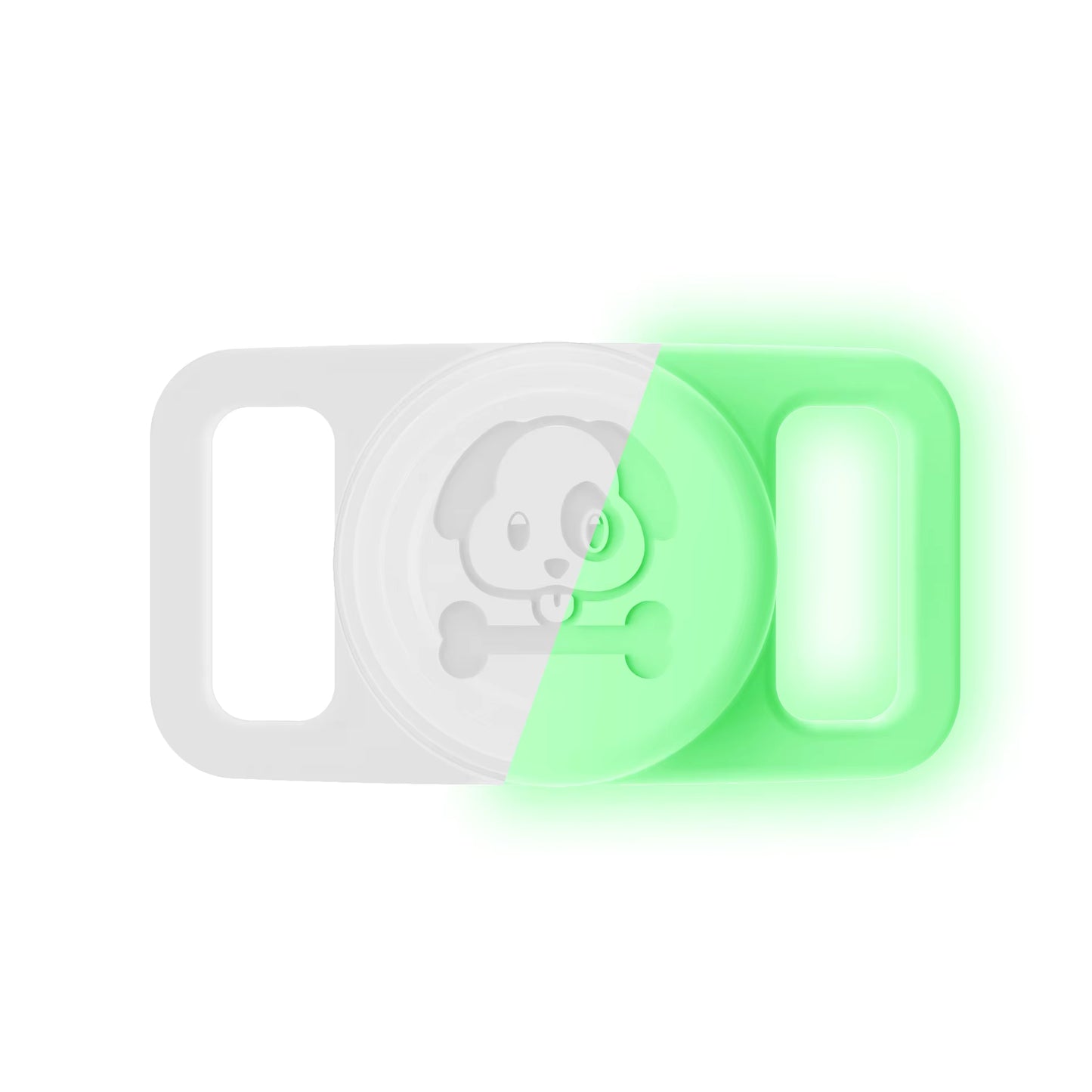
No. Disabling the AirTag, which Apple says usually means removing the battery, stops you getting location updates, so your dog would be untracked. Sharing is the better path. Keep the AirTag on securely, too. The Pawfetchers holder is a waterproof silicone case that fits collars 15 to 25mm wide.
FAQs
Is "AirTag Found Moving With You" a sign of a problem with my AirTag?
No. It is a deliberate safety feature. It appears when an AirTag away from its owner is detected moving with someone else's phone over time.
Does sharing the AirTag stop the alerts straight away?
Once the walker has accepted the invitation, Apple says people in the sharing group don't receive tracking notifications for that AirTag.
Can my walker see my location if I share the AirTag?
Sharing an AirTag shares the AirTag's location, which is wherever your dog is. It doesn't share your iPhone's location.
My walker uses Android. Can they stop the alerts?
They can't be added to an AirTag sharing group, since it needs an Apple Account. Let them know to expect alerts and how to confirm the AirTag belongs to you.
Will my dog walker's alert show my name or address?
Apple says tapping the AirTag with an NFC phone shows the serial number and the last four digits of the owner's phone number. If you have turned on Lost Mode, it also shows your message.
Keep your dog's AirTag safe on walks with the Pawfetchers waterproof AirTag collar holder (AirTag sold separately).
Sources
- Apple Support: What to do if you get an alert that an AirTag, set of AirPods, Find My network accessory or compatible Bluetooth tracker is with you
- Apple Personal Safety User Guide: Detect unwanted trackers
- Apple Support: Share an AirTag or other item in Find My on Mac
- Apple Personal Safety User Guide: Stop sharing an AirTag
- Apple: AirTag